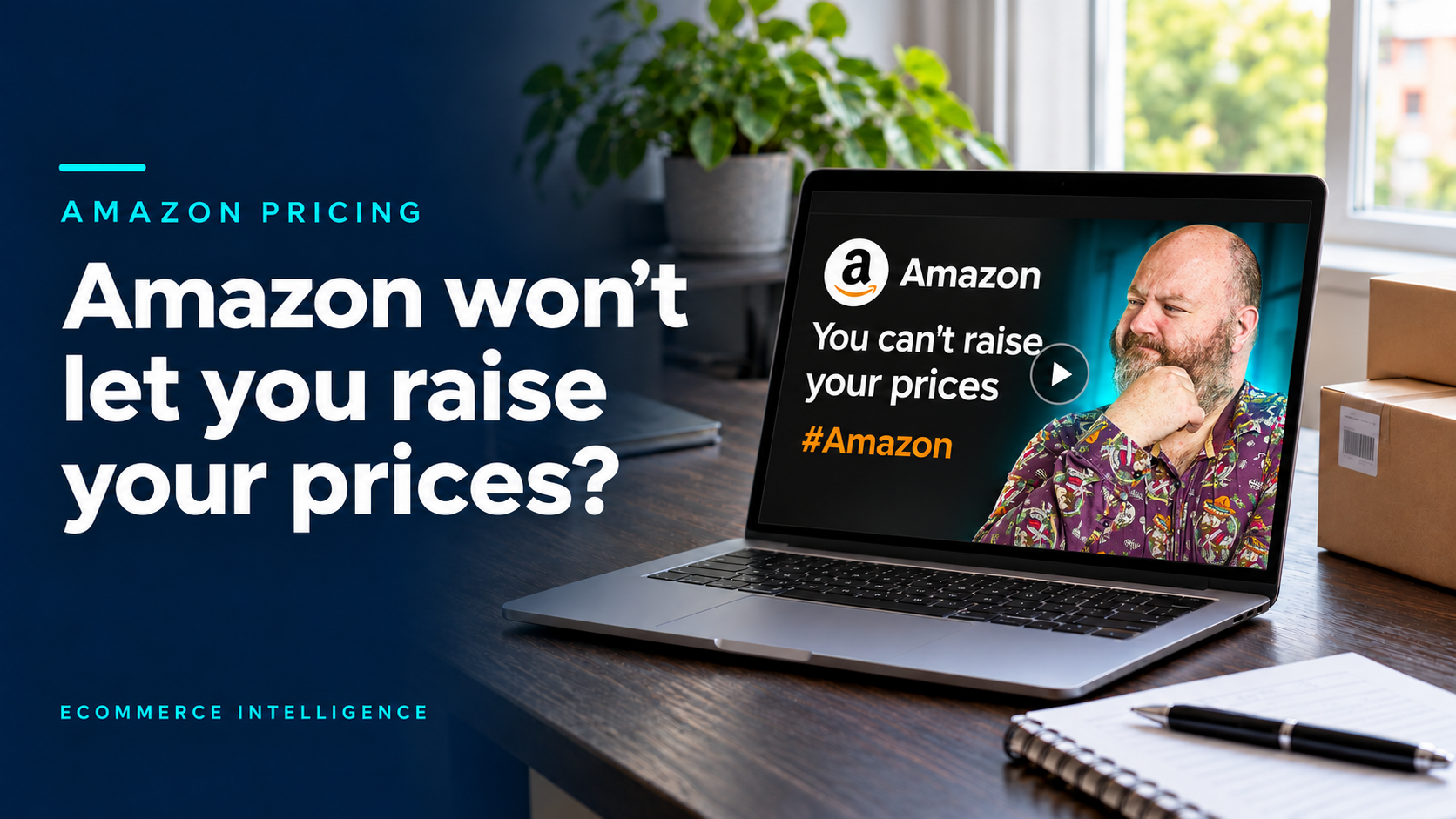

There are many reasons why brands may need to increase their prices. On Amazon, however, a price increase can trigger a potential high pricing error, affect eligibility for the Featured Offer, often called the Buy Box, or lead to an offer being deactivated.
In the video below, Chris Turton explains why prices advertised by other retailers can affect what happens when you raise your Amazon price. The practical starting point is to establish what the alert means, which prices Amazon may be comparing and where those prices originate.
Watch Chris Turton’s video on Amazon price increases and high pricing errors.
Understand how Amazon assesses your prices
Amazon’s pricing assessments can take account of historical offer prices, prices from other retailers and sales data. Shipping costs also matter. Your manufacturing costs and recommended retail price do not, by themselves, determine whether Amazon considers an offer competitively priced.
This means a commercially justified increase can still cause a problem. If costs have risen but the same product remains available elsewhere at a lower price, that difference may affect Amazon’s assessment. The first step is to investigate the pricing information around the product, rather than repeatedly submitting the same price.
Check what the pricing alert actually says
Start in Seller Central’s Pricing Health area or find the affected SKU in Manage All Inventory. Record the exact message and check whether your offer is inactive or has lost Featured Offer eligibility. These are different outcomes, so the next action should follow the issue Amazon has identified.
Before changing the price again, check the details that could explain the alert:
- The affected ASIN, SKU and marketplace.
- Your previous price, proposed price and delivery charge.
- Any minimum or maximum prices you have entered.
- Automated pricing rules that could change the offer again.
- Business prices, quantity discounts and any reference prices Amazon displays.
Amazon’s guidance on unblocking listings with pricing errors explains where to review affected offers. Correcting your own price limits may resolve a settings issue, but it does not override Amazon’s wider pricing assessment.
Identify where conflicting prices are coming from
If you supply other retailers, review their public listings alongside your own website and other marketplaces. For example, a retailer advertising the same product for £20 could be relevant when you want to increase your Amazon price to £25. Treat that as a lead to investigate, rather than proof that you have found the source of the alert.
Search using the product name, model number and EAN or GTIN barcode. Check that each result is genuinely comparable, including the pack size, variant, condition, availability and delivery charge.
- Search Google for the product identifier and model number.
- Review the websites of retailers supplied through your wholesale network.
- Check eBay and other marketplaces for matching products.
- Look for old clearance pages, incorrect pack sizes and outdated product information.
- Keep the relevant URLs and dated screenshots alongside your pricing-alert records.
Amazon may not identify every external listing involved in its assessment. If you find an inaccurate comparison, put the evidence together and use the support route available for the affected offer. An old clearance page is worth checking, but its existence alone does not establish that Amazon is using it.
Review how you introduce price increases
In the video, Chris discusses smaller, staged increases as a practical approach to testing price changes. Treat this as something to assess against the product’s circumstances, rather than a guaranteed workaround. A small increase can still trigger an alert, and waiting a particular number of days does not guarantee acceptance.
Record the change and monitor the offer’s status, Featured Offer eligibility, sales and contribution margin. Include product costs, Amazon fees, fulfilment and advertising when assessing whether the new price supports the business. Our guide to Amazon fees and profitability explains why the selling price alone does not tell the full story.
For future range planning, genuinely different products or useful bundles exclusive to Amazon may reduce direct comparisons with an identical offer elsewhere. They still need to comply with Amazon’s applicable listing, bundling and pricing rules. Creating a different offer is not a guarantee against pricing alerts.
Review distribution without dictating retailers’ prices
Recurring alerts can highlight gaps in your understanding of where products are being sold and how they are presented. Regularly review public listings, identify inaccurate product information and ask retailers to correct genuine errors. Our Amazon brand management services can support a wider review of your brand’s marketplace presence.
Retailers must remain free to set their own resale prices. The Competition and Markets Authority’s guidance on resale price maintenance explains why fixed or minimum resale prices can breach competition law. Get specialist legal advice before introducing distribution terms or policies that could restrict reseller pricing.
Use Amazon Brand Registry to report eligible intellectual property infringements where appropriate. A seller charging less than your preferred price is not, by itself, evidence of infringement.
Build an evidence-led plan for the affected product
Bring together the alert, your pricing history, relevant external listings and the product’s contribution margin. That gives you a clearer basis for deciding whether to correct a setting, ask Amazon to review an apparent mismatch, test a price change or reconsider the product’s commercial position.
If you are experiencing Amazon high pricing errors, our Amazon agency can help you investigate what may be contributing to the problem and assess your options.